

Connecting to a Backend
Any Agent Canvas frontend can connect to any Agent Canvas backend. Use the backend switcher in the UI to open Manage Backends, where you can add, edit, or remove entries. Each entry stores a display name, host URL, and an API key for authentication.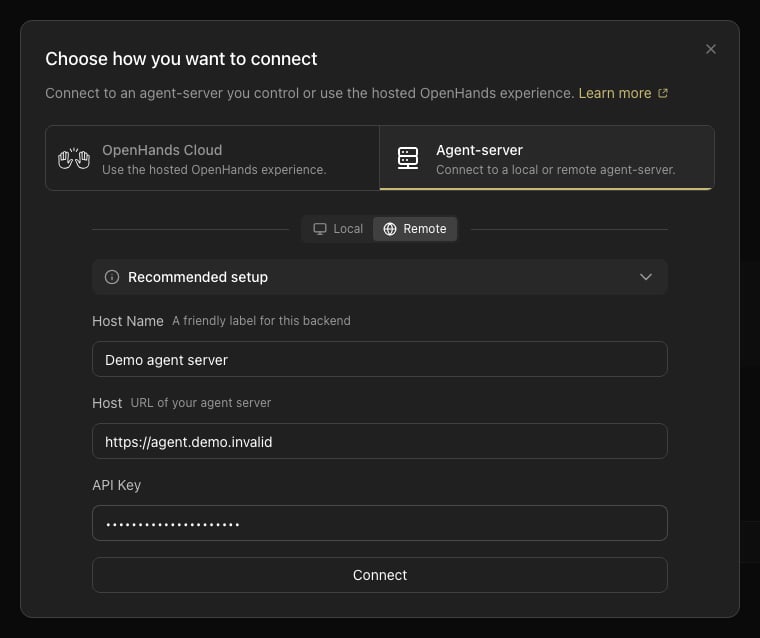
Recommended Setups
DigitalOcean Managed Agents
The Providers tab in Add Backend connects Agent Canvas to DigitalOcean Managed Agents. Sign in with a DigitalOcean personal access token, then create or open an OpenHands agent. Each session of that agent runs in its own DigitalOcean sandbox and appears in Agent Canvas as a separate backend. The Providers tab is available in the desktop app, and in the web build when its server setsMARS_WEB=1.
Removing a DigitalOcean backend from
Manage Backends offers Disconnect only, which leaves the session running and billing until it pauses, or Stop session, which deletes its sandbox. See Disconnecting vs. Stopping.