

Windows users: All commands below should be run inside the WSL terminal (Ubuntu). Use
wsl -d Ubuntu in PowerShell or search “Ubuntu” in the Start menu to access the Ubuntu terminal. We also have a step-by-step video tutorial available.Installation Methods
- Using uv (recommended)
- Executable Binary
- Using Docker
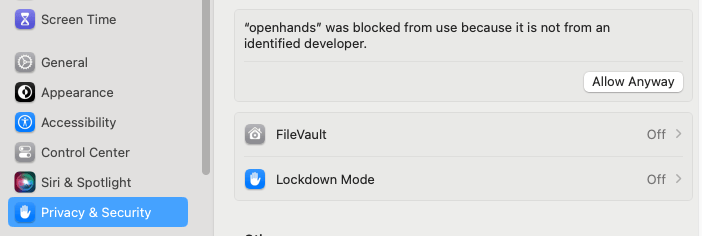
First Run
The first time you run the CLI, it will take you through configuring the required LLM settings. These will be saved for future sessions in~/.openhands/settings.json.
The conversation history will be saved in ~/.openhands/conversations.
If you’re upgrading from a CLI version before release 1.0.0, you’ll need to redo your settings setup as the
configuration format has changed.
Next Steps
- Quick Start - Learn the basics of using the CLI
- MCP Servers - Configure MCP servers